
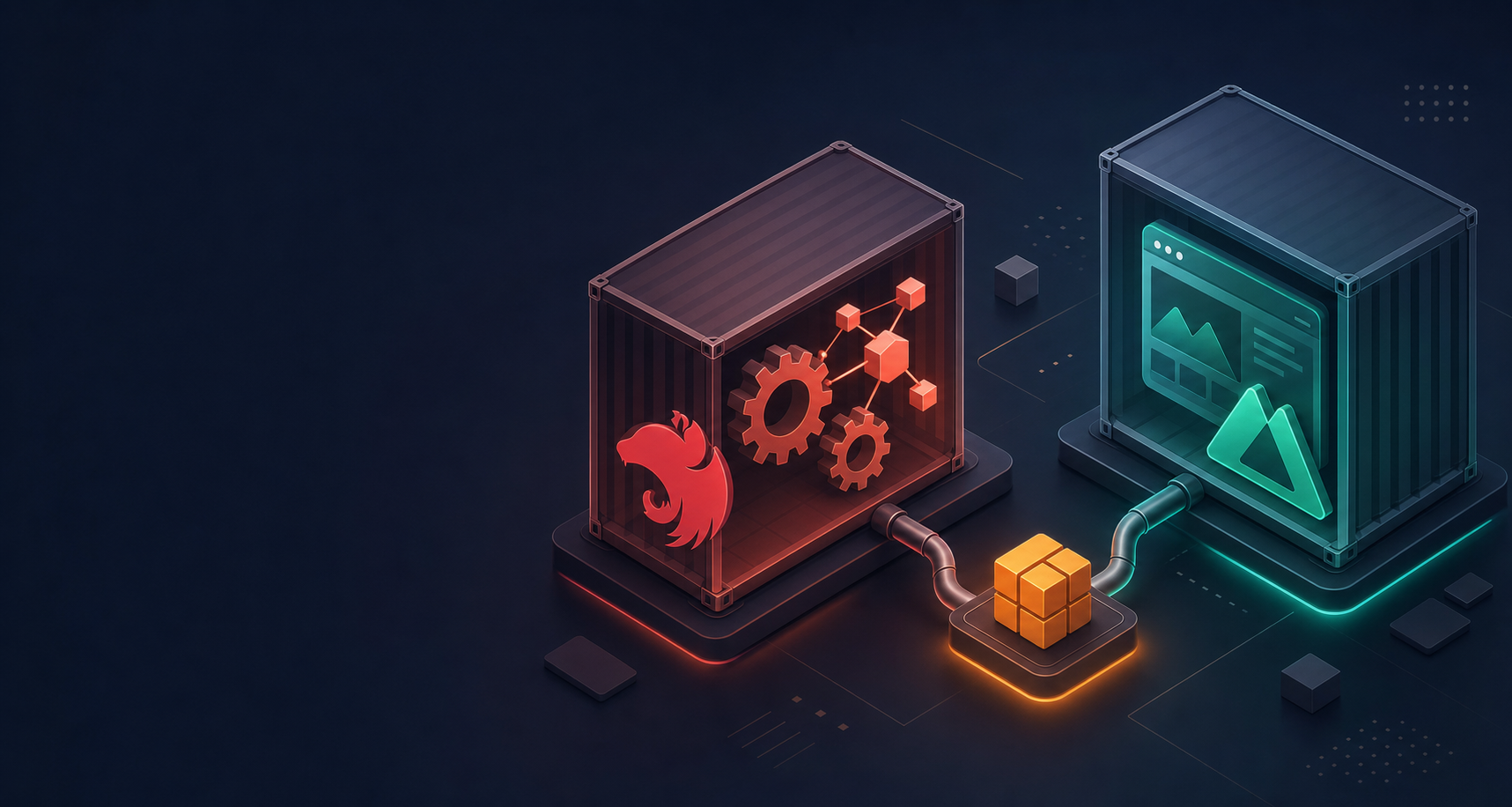
If you run a monorepo with a NestJS backend and a Nuxt frontend, you have probably wondered how to Dockerise it properly. Development should feel local and fast. Production should be lean and predictable. And the whole thing should work the same way on every machine, every time.
This post walks through a practical approach to achieving exactly that. No gatekeeping, no unnecessary complexity. Just a clear setup that separates development from production and keeps your team moving.
This article is adapted from the original post on Medium by Ogochukwu Okpala.
Docker Is Just Another Linux Machine
A Docker container is not magic. It is simply a fresh Linux machine with its own filesystem, its own users, and its own network. It knows nothing about your laptop. Every file it needs must be explicitly copied in. Every tool it uses must be explicitly installed.
Once you accept that mental model, most Docker questions answer themselves. "Why do I need to copy this file?" Because the container does not have it. "Why is my app not reachable?" Because the container's network is isolated from yours.
This mindset makes Docker far less intimidating and far more logical.
The Monorepo Structure
The setup assumes a standard pnpm workspace monorepo. Your backend and frontend live as separate applications under a shared root, with a single lockfile and workspace configuration at the top level.
The key files at the root are your package.json, your pnpm-workspace.yaml, and your pnpm-lock.yaml. Each app has its own dependencies, its own build process, and its own Dockerfile.
Corepack and pnpm: Reproducible Installs
Node ships with Corepack, which is essentially a package manager manager. Since the project uses pnpm, you enable Corepack in your Dockerfile and lock pnpm to a specific major version.
This single step means every developer, every CI pipeline, and every container uses the exact same version of pnpm. No more "it works on my machine" surprises caused by version drift. Builds become reproducible by default.
Multi Stage Dockerfiles
Both the backend and frontend Dockerfiles follow the same multi stage pattern with four stages: base, dev, build, and prod.
This distinction matters more than most people realise. Development containers are built for humans. They include hot reloading, debugging tools, and full dependency trees. Production containers are built for machines. They contain only what is strictly needed to run the compiled application.
These two environments should never look the same. Mixing them leads to bloated production images and fragile development workflows.
The Backend: NestJS
Development
In development, the backend container installs all dependencies and runs NestJS in debug mode with hot reloading. File changes on your local machine sync into the container, so the development experience feels natural.
One important detail: the container creates a dedicated non root user. Running as root inside a container is a common shortcut, but it introduces security risks and can cause file permission issues that surface at the worst possible time. Creating a proper user from the start avoids these problems entirely.
Building for Production
The build stage installs dependencies, copies source code, and compiles the application. Then it uses pnpm's deploy command to create a clean, self contained production bundle.
The deploy command is the key piece. It creates a standalone folder that contains only production dependencies and the compiled output. Think of it as generating a deployment artifact that has everything the application needs and nothing it does not.
The Production Image
The production stage starts from a fresh Node image, copies in the deployment artifact, and runs the compiled application directly with Node. No source files. No development dependencies. No pnpm. Just the runtime and the code.
The Frontend: Nuxt
Development
Nuxt development in Docker requires one critical configuration: binding the dev server to 0.0.0.0 instead of the default localhost.
Inside a container, localhost refers to the container itself, not your host machine. If the Nuxt dev server only listens on localhost, your browser cannot reach it. Binding to 0.0.0.0 tells the server to accept connections from any network interface, which includes traffic from outside the container. Without this, you will see a blank page and wonder what went wrong.
Building for Production
Nuxt compiles into a .output folder that contains everything needed to run the application. The build stage installs dependencies, copies source code, runs the build, and then prunes away development dependencies.
The Production Image
Nuxt's production image is remarkably clean. You copy the .output directory and any static assets into a fresh Node image and run the server entry point. No build tools, no package manager, no source code. Just Node serving the compiled application.
Docker Compose: Bringing It Together
With both Dockerfiles in place, Docker Compose acts as the orchestrator. Using profiles, you can define separate configurations for development and production.
In development, both services run together with file watchers and hot reloading active. Changes to your source code reflect immediately. Changes to your dependency files trigger rebuilds. The experience mirrors local development, but inside containers that match your deployment environment.
In production, the same Compose file spins up clean, compiled containers with no watchers and no rebuild logic. Just the applications running as they would in a real deployment.
What This Gets You
This approach gives your team several things that compound over time.
Consistency. Every environment, from a developer's laptop to CI to production, runs the same way. Environment specific bugs become rare.
Clean separation. Development and production never share the same concerns. Your development workflow stays fast and ergonomic. Your production images stay small and secure.
Simplicity. Despite involving multiple stages and two separate applications, the setup follows a predictable pattern. Once you understand the backend Dockerfile, the frontend Dockerfile feels familiar.
Ownership. Your team controls the full deployment pipeline. There is no mystery about what runs in production or how it got there.
Final Thoughts
Dockerising a monorepo is not inherently difficult. It simply requires you to be deliberate about what each environment needs and disciplined about keeping them separate.
Docker is strict, not hard. pnpm is honest, not complicated. And monorepos work well when you structure them with intention.
Once everything fits together, the setup feels clean, predictable, and easy to reason about. That is the kind of foundation that serves a team well as a project grows.